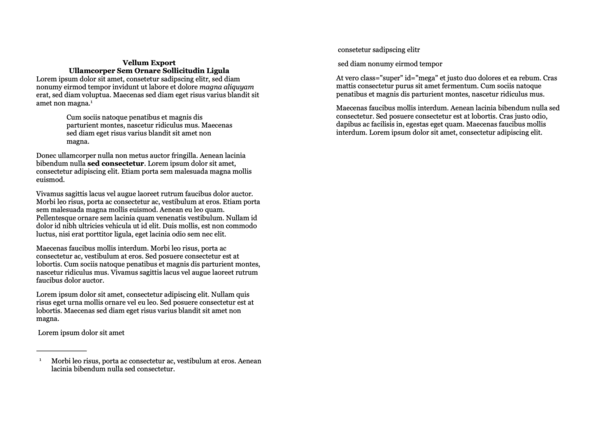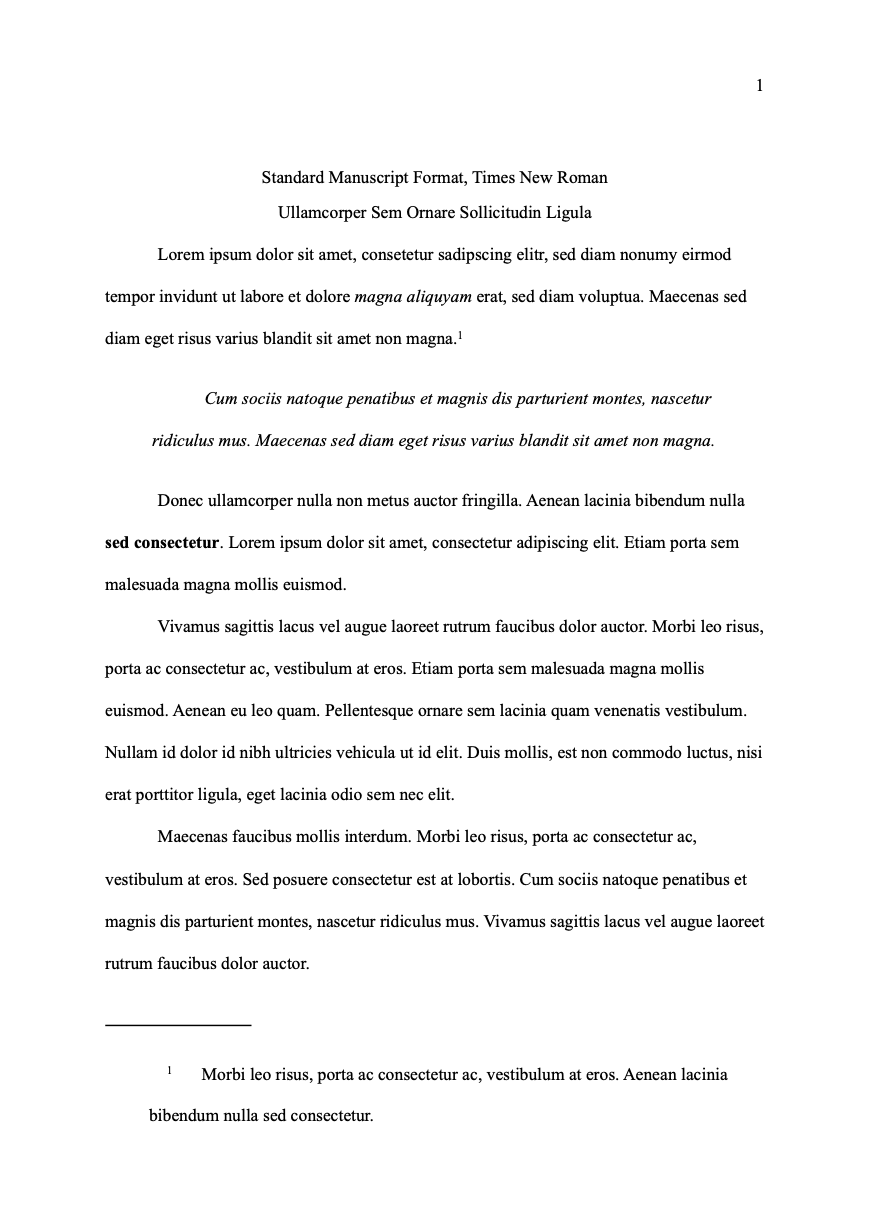
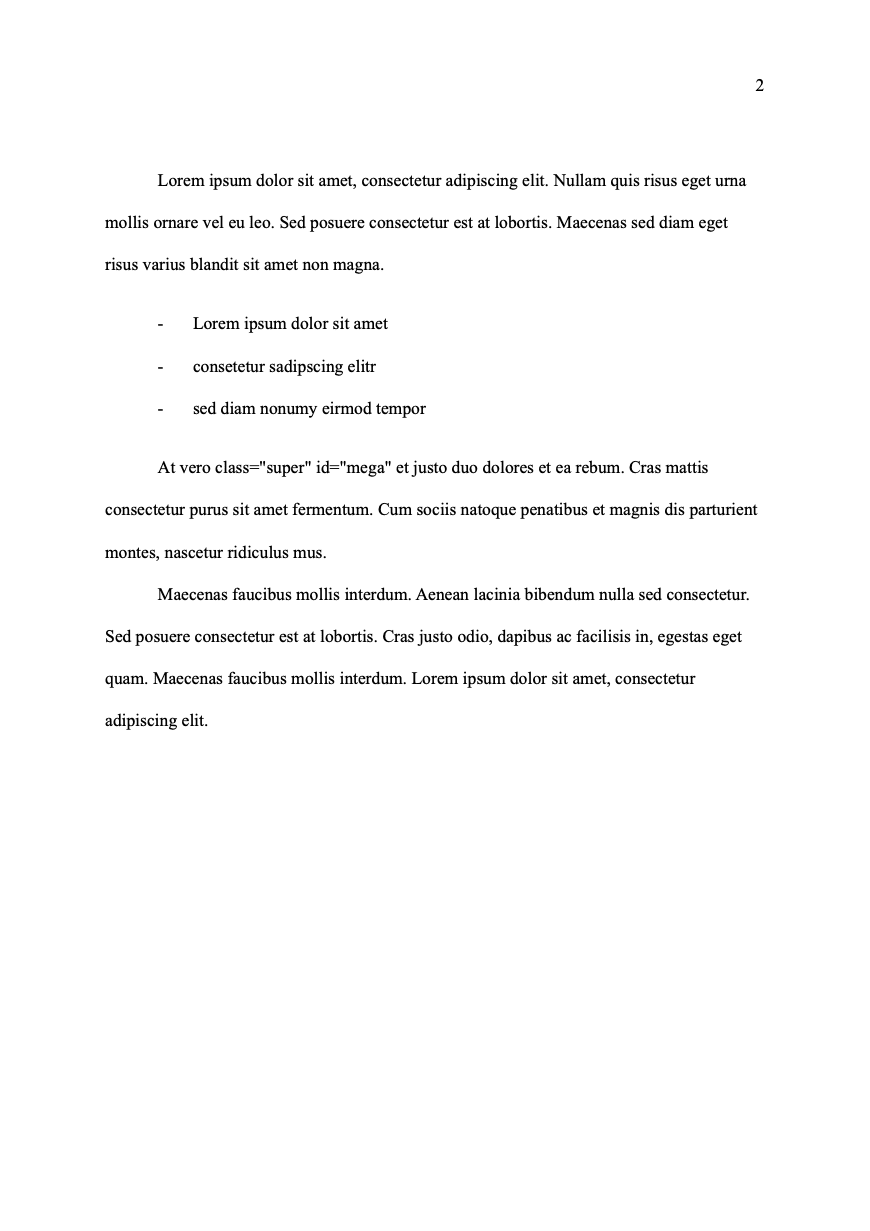
Standard Manuscript Format, Times New Roman
By Tobias Horvath
Standard Manuscript Format, Modernized Version with Times New Roman as default font as commonly requested by agents and editors.
You need to make sure to add a title page and adjust the header in Microsoft Word to: Last Name / Abbreviated (keyword) or Full Title of Submission / page number Keep the
Show MoreStandard Manuscript Format, Modernized Version with Times New Roman as default font as commonly requested by agents and editors.
You need to make sure to add a title page and adjust the header in Microsoft Word to: Last Name / Abbreviated (keyword) or Full Title of Submission / page number Keep the page number as is. It's auto-generated.
There is no 100% agreement on how to format minutiae, if in doubt ask your agent or editor when you're past the querying and submission trenches. If you go with the Modernized format and Times New Roman as font, I would personally recommend to make full use of smart substitutions (smart quotes, proper en- and em- dashes, etc.) as it's easy to visually tell the difference in the resulting document.
I would suggest to never do double spaces after a period. We are not using typewriters anymore.
When you do a ---- divider anywhere in your sheets, it denotes a section break and will add a centered # to your manuscript.
Emphasis in this style is being output as italics.
Line-height is approximated. It's not exactly Double, because Ulysses doesn't support setting this directly.
Show Less